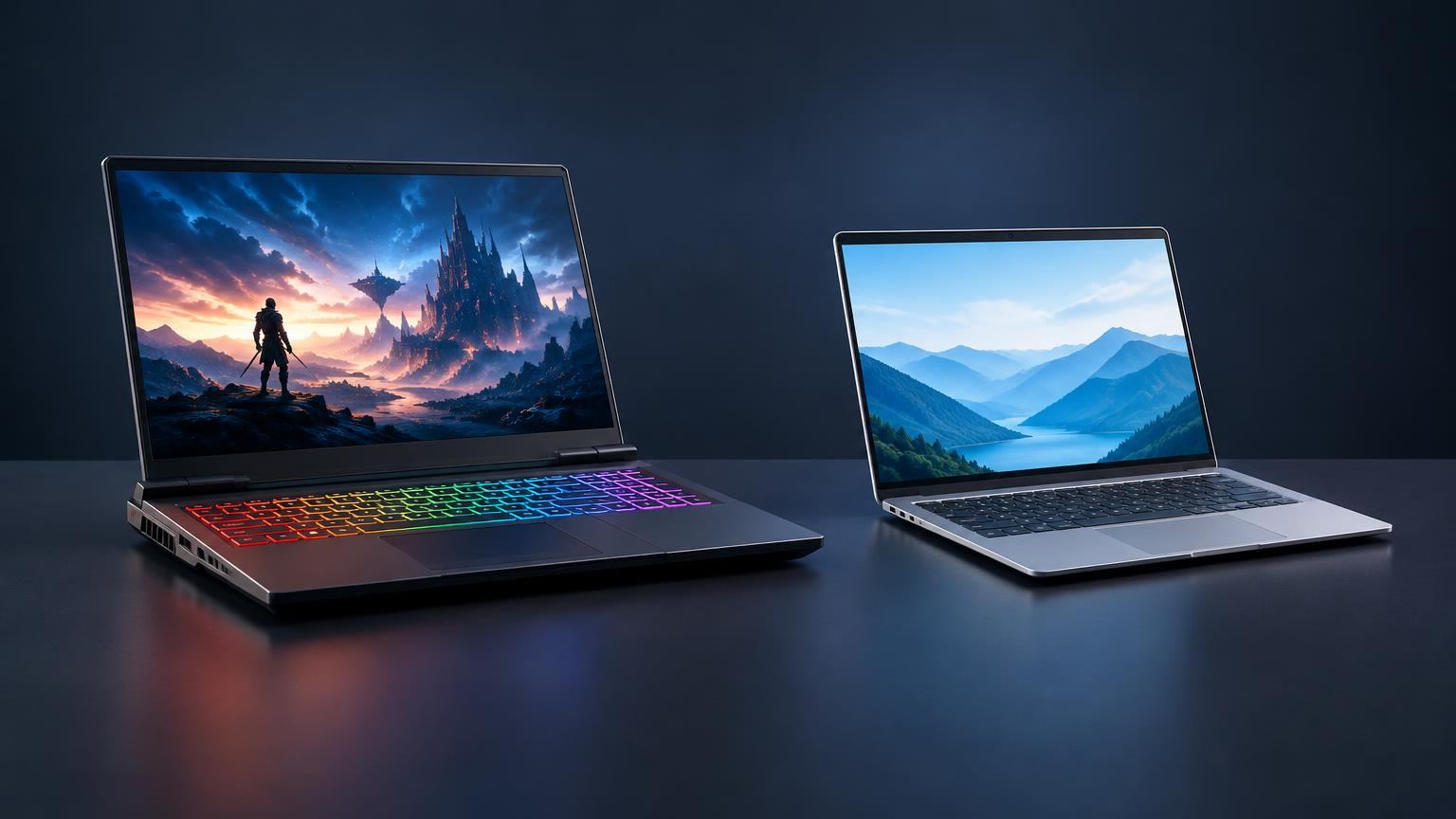
Choosing between an AMOLED vs LCD phone display in 2026 is less about chasing buzzwords and more about understanding how each screen type actually looks, behaves outdoors, affects battery life, and holds up over years of use.
1. AMOLED vs LCD in 2026: What This Comparison Really Covers
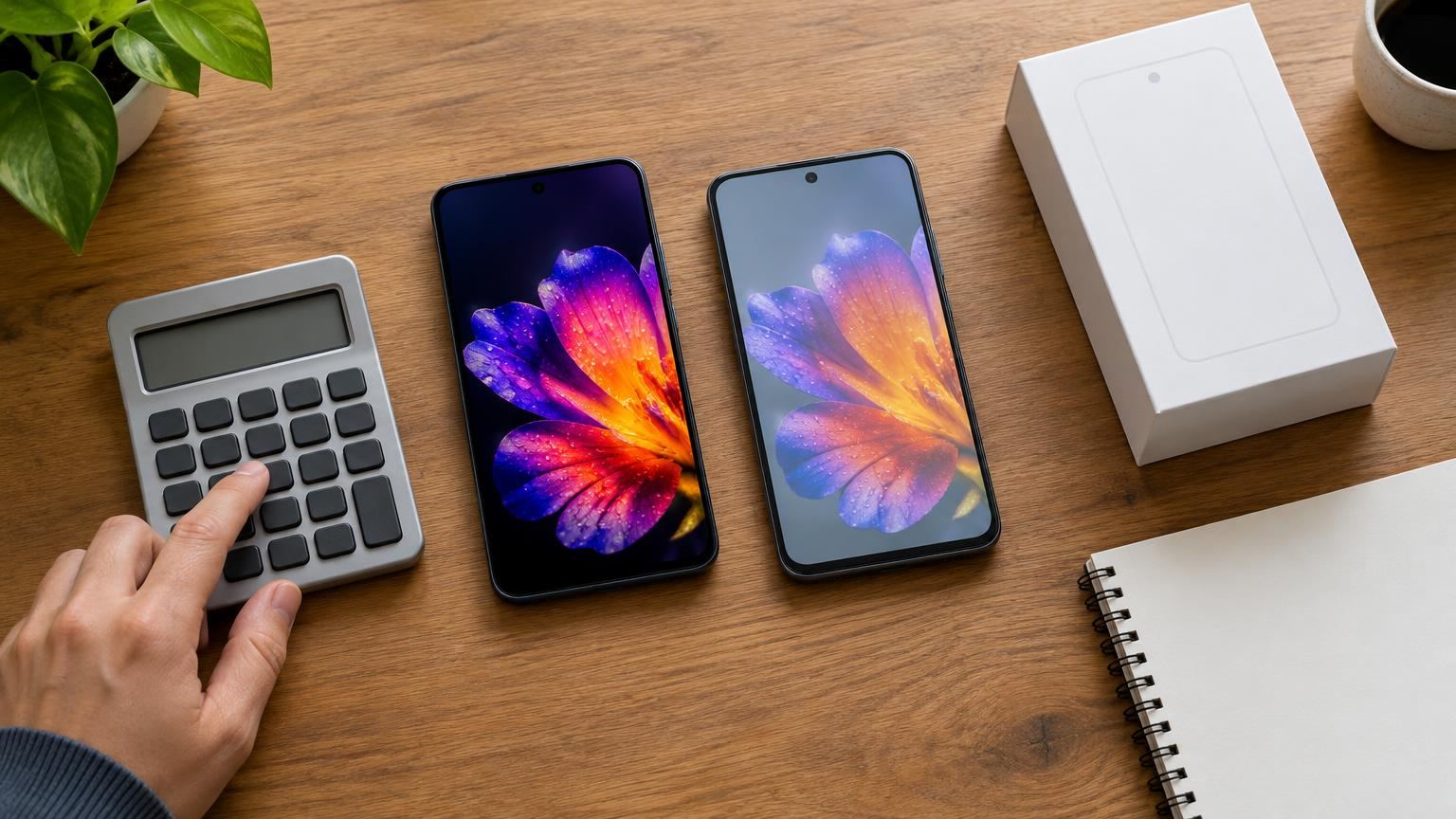
In 2026, AMOLED (a type of OLED) has become standard on most mid-range and flagship phones, while IPS-type LCD panels are still common in budget and some rugged devices. Major brands have even shifted previously LCD-only lines to OLED panels, underlining how central the technology has become in smartphones. [8]
That said, a good IPS LCD can still beat a mediocre AMOLED in areas like outdoor visibility, flicker comfort and repair costs. Reviews and lab tests continue to compare OLED and IPS panels specifically for outdoor phones, showing that implementation matters as much as the label on the spec sheet. [2]
This guide focuses on phones, not TVs or laptops, and compares AMOLED vs LCD across:
- Basic working principles
- Contrast, black levels and HDR feel
- Brightness and outdoor readability
- Color accuracy and saturation
- Power efficiency, always-on displays and dark mode
- Refresh rates, motion clarity and flicker
- Burn-in risk and long-term durability
- Repair costs and value for money
- Use-case-based recommendations
2. How AMOLED and LCD Phone Displays Actually Work
Understanding the physics quickly explains most of the real-world differences.
2.1 AMOLED: Self-emissive pixels
AMOLED is a kind of OLED display that uses an active-matrix backplane. Each pixel is made of organic material that emits light when current passes through it. No separate backlight is required; pixels produce their own light and can turn completely off for black.
Key implications:
- Per-pixel control: Each pixel can be individually brightened or turned off.
- Thin and flexible: Panels can be very thin and even curved, which is why many modern phones use them. [8]
- Content-dependent power use: Bright pixels consume more power; dark pixels consume very little.
2.2 IPS LCD: Always-on backlight
IPS LCDs work differently. A separate LED backlight (usually white or blue LEDs plus a diffuser) shines through layers of liquid crystals and color filters. The crystals twist to let more or less light through each subpixel.
Key implications:
- Backlight always active: As long as the screen is on, the backlight consumes power, regardless of how dark the content is.
- Limited blacks: Even for black images, some light leaks through the crystals, so blacks look dark grey in dim rooms.
- Robust and mature tech: LCD has been used for years in phones, monitors and outdoor signage, and is well understood. [2]
2.3 Marketing names vs real tech
Manufacturers use many labels:
- “AMOLED”, “Super AMOLED”, “Dynamic AMOLED”, “pOLED” – all are OLED-family panels with slightly different structures or tuning.
- “IPS LCD”, “LTPS”, “Liquid Retina” – all based on LCD with different backplanes or branding.
For buyers, the big split that matters is still self-emissive OLED/AMOLED vs backlit IPS LCD.
3. Contrast, Black Levels and HDR Experience
3.1 Why AMOLED looks so punchy
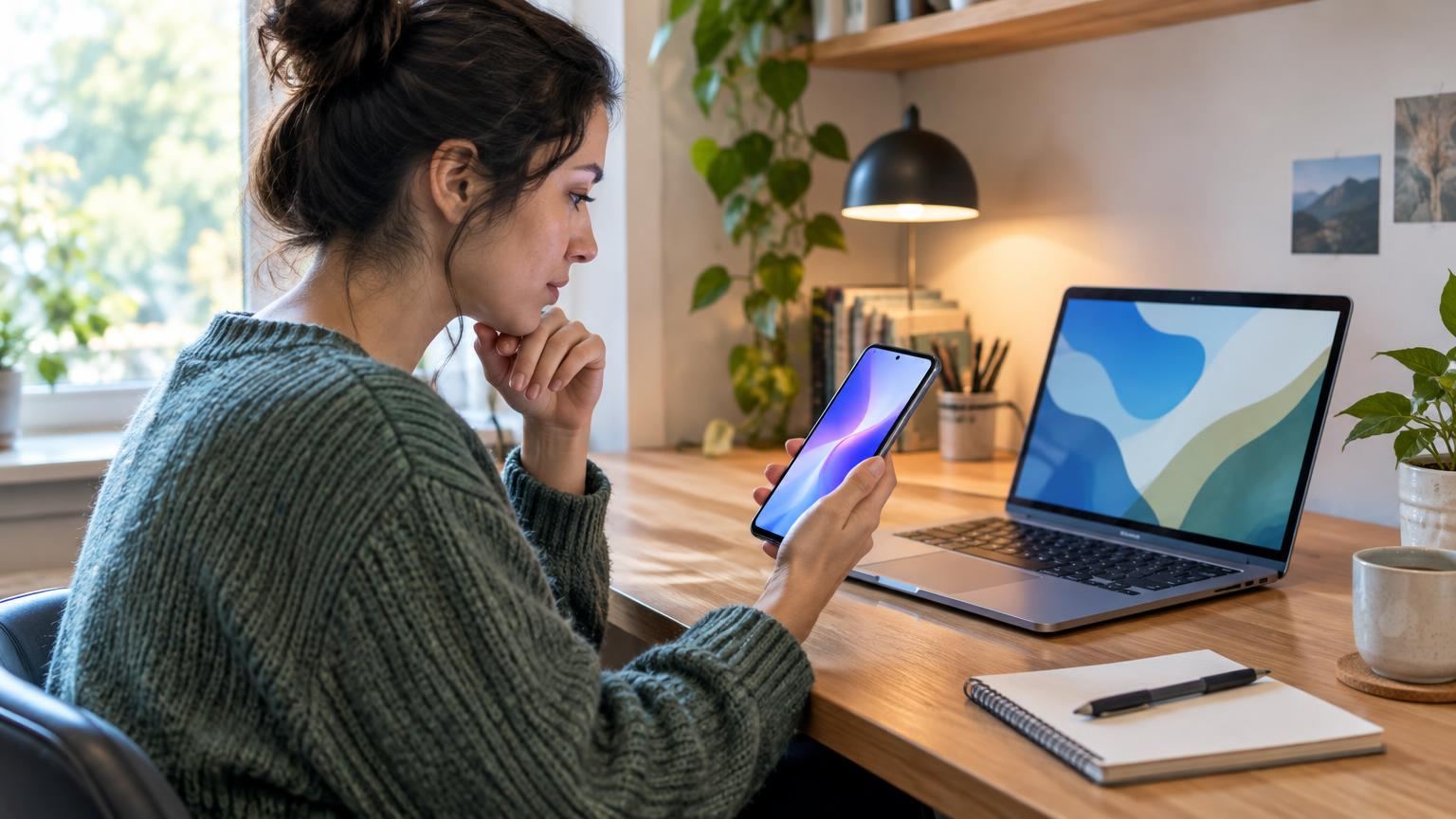
Because AMOLED pixels can shut off completely, they can show extremely deep blacks and very high contrast, especially in dark scenes. Research comparing OLED and LCD in handheld devices highlights OLED’s ability to achieve “true blacks” and superior perceived contrast in dark environments compared with LCDs, which are limited by backlight leakage. [5]
This has practical benefits:
- Movies and games in a dark room look more immersive.
- Subtle shadow detail in HDR content is easier to see.
- UI elements on dark backgrounds appear crisp and well separated.
3.2 LCD trade-offs: weaker blacks but stable output
On an IPS LCD, the backlight bleeds a little through the liquid crystals, so black areas never reach the same inky depth as OLED. Commercial IPS guidance for outdoor signage focuses on strong brightness and wide viewing angles, not perfect black levels, which reflects how LCDs are typically tuned. [4]
However, LCD’s constant backlight has its own advantages:
- Uniform brightness across the screen, which some users prefer for text-heavy tasks.
- Less risk of localized ageing (no per-pixel organic material).
3.3 HDR video and photos
Modern phones increasingly support HDR standards like HDR10. Academic work on smartphone OLED image quality notes that a wide color gamut and low black luminance make OLED especially suitable for HDR reproduction. [1]
In practice, for HDR streaming and viewing photos with deep shadows and bright highlights, a well-tuned AMOLED panel usually provides a more dramatic and lifelike look than an LCD at the same brightness level.
4. Brightness, Outdoor Visibility and Eye Comfort
4.1 Peak brightness: implementation over theory
It is easy to assume “OLED is always brighter,” but measurements tell a more nuanced story. Notebookcheck’s 2025 analysis specifically compared OLED and IPS screens in outdoor-oriented phones and found that some OLED phones did not fully use their theoretical brightness potential, while certain IPS LCD models achieved higher measured brightness and very good color accuracy in sunlight. [2]
Takeaways for 2026:
- Both AMOLED and IPS LCD can be very bright; there is no universal winner.
- For harsh sun, actual tested brightness and anti-reflective coatings matter more than panel type.
4.2 Perceived brightness & contrast
Even at similar measured luminance, OLED’s deeper blacks can make images appear brighter and punchier to the eye, especially in mixed scenes. Psychophysical studies on smartphone displays report that users’ brightness perception is strongly influenced by contrast and content, not just raw candela-per-square-metre figures. [6]
This is one reason an AMOLED phone may feel more readable outdoors even when lab numbers match an LCD competitor.
4.3 Eye comfort, spectra and blue light
An MDPI study examining light from smartphone displays found that spectral output and blue-light content varied significantly between individual devices using both LCD and AMOLED panels. It did not identify one technology as inherently “safer”; comfort depended more on specific implementations and settings. [7]
What you can control as a user:
- Enable night or comfort modes that adjust color temperature.
- Keep brightness only as high as needed.
- Use dark mode if you find it visually easier, especially on OLED.
5. Color Accuracy, Saturation and Calibration
5.1 Wide gamut vs natural modes
AMOLED panels typically support wide color gamuts, which manufacturers sometimes tune for vivid, saturated output. Academic analysis of smartphone OLEDs highlights this wide-gamut capability as a key factor in their popularity for HDR and media consumption. [1]
Most modern phones, regardless of panel type, now offer several color modes:
- “Natural”, sRGB or “Basic”: Aims for accurate, muted colors for photos and web browsing.
- “Vivid”, “Cinema”, DCI-P3: Boosts saturation and expands gamut for punchier visuals.
A well-tuned IPS LCD in an accurate mode can look very realistic, while an AMOLED in a vivid mode can look intense and contrasty. Neither technology is condemned to be inaccurate; tuning is a design choice.
5.2 What photographers and creators should look for
If you edit photos or video on your phone:
- Prefer phones that advertise calibrated modes for sRGB or DCI-P3.
- Check independent reviews that measure color error rather than just trusting marketing terms.
- Keep the display in the most accurate mode while editing, then switch to vivid if you prefer it for general use.
Both high-end AMOLED and high-end IPS LCD phones now offer color-accurate profiles; panel type alone is not a guarantee.
6. Power Efficiency, Always-on Display and Battery Life
6.1 Why OLED can save power – and when it doesn’t
Because each AMOLED pixel emits its own light, dark content draws less power than bright content. By contrast, an LCD’s backlight consumes nearly the same power regardless of image, as long as the screen is on.
The practical result:
- Dark wallpapers and UIs can reduce display power use on AMOLED phones.
- On IPS LCD phones, dark mode mostly changes aesthetics and may have little impact on battery life.
An iFixit analysis of dark mode explains that on OLED phones many pixels can be effectively switched off in dark themes, whereas LCDs keep their backlight on, so the battery benefit is much smaller or negligible. [10]
6.2 Always-on display (AOD)
Always-on display features show the time or notifications even when the phone appears to be “off.” DXOMARK’s battery and display tests note that the display is one of the most power-hungry components in a phone, and AOD exists largely to let you see key information without fully waking the screen. [9]
Because black pixels on OLED draw very little power, AOD is particularly suited to AMOLED phones. On LCD, the entire backlight must turn on for even a small clock, making AOD relatively inefficient, which is why it is much less common on LCD-based handsets. [9]
6.3 Realistic expectations for battery life
In day-to-day use:
- For mixed content and a dark theme, an AMOLED phone can often be more efficient.
- For mostly white apps (e.g., web pages, documents, e-books), the power advantage shrinks and may even reverse depending on brightness and panel design.
- Battery size, chipset efficiency and software also play major roles; panel type is just one factor.
7. Refresh Rates, Motion Clarity and PWM Flicker
7.1 High refresh rates on both techs
By 2026, 90 Hz and 120 Hz screens are common on both AMOLED and IPS LCD phones. Refresh rate is no longer an OLED-exclusive feature; manufacturers use fast LCDs as well for gaming-focused and mid-range devices. [3]
Gamers should pay more attention to the actual refresh rate and whether it can adapt (e.g., 1–120 Hz variable refresh) than to the underlying panel type.
7.2 Response times and motion blur
Tests on monitors show that OLED pixels typically switch states much faster than IPS LCD pixels, which reduces motion blur and ghosting in fast-moving content. [11]
Although phones are smaller and use different panels, the underlying physics is similar: self-emissive pixels do not rely on the slower twisting of liquid crystals. For fast-paced gaming, this usually gives AMOLED phones a small edge in motion clarity.
7.3 PWM dimming and flicker sensitivity
Many phones control brightness using PWM (pulse-width modulation) dimming, rapidly turning pixels or the backlight on and off. AndroidCentral’s explainer on PWM dimming describes how this technique is commonly used in smartphone displays and discusses alternatives like DC dimming. [12]
Some users report eyestrain or headaches from low-frequency PWM, especially at low brightness. Important points:
- OLED phones often rely on PWM to dim pixels smoothly, though exact frequencies vary.
- Some IPS LCD phones use DC dimming or very high-frequency PWM, which can reduce noticeable flicker.
- Manufacturers increasingly add “flicker reduction” or “anti-flicker” modes in display settings.
If you are PWM-sensitive, it is worth checking reviews that measure PWM frequency for the specific phone you are considering.
8. Burn-in, Image Retention and Long-term Durability
8.1 What burn-in is – and why OLED gets it
OLED and AMOLED displays use organic materials that slowly lose brightness with use. If some pixels show bright, static content (like navigation bars or status icons) much more than others, they can age faster, leading to permanent “ghost” images – burn-in.
TechSpot reported on an 18-month OLED burn-in test that deliberately stressed panels with static elements. The test used enhancement filters to reveal non-uniform ageing and showed that visible burn-in can occur under heavy, repetitive use patterns. [14]
Modern phones try to mitigate this with techniques such as:
- Subtle pixel shifting of UI elements over time.
- Automatic brightness limiting for static content.
- Dark or translucent navigation bars.
These techniques help but cannot fully eliminate the underlying physics.
8.2 LCD: no true burn-in, but other ageing
IPS LCDs do not suffer the same differential pixel ageing. They can show temporary image persistence after static content, but this usually fades. Long-term, the LED backlight and color filters may dim or shift slightly, but this is generally uniform across the screen.
8.3 What it means for a typical 2–4 year phone life
For most users who replace phones every few years and do not keep a single static image on screen at maximum brightness all day, severe OLED burn-in is uncommon.
You might lean toward LCD if:
- You plan to use the phone as a car dashboard or kiosk display for hours a day with static UI.
- You regularly keep brightness at or near maximum in direct sun.
Otherwise, both AMOLED and IPS LCD phones can remain visually usable over typical ownership spans.
9. Repair Costs, Budget Phones and Overall Value
9.1 Why budget phones still love LCD
Even as OLED spreads across the market, entry-level phones still commonly use IPS LCD panels. Manufacturers reserve AMOLED for mid-range and higher tiers, and industry reporting notes that companies like LG Display and BOE only expanded OLED supply to lower-cost smartphone lines relatively recently. [8]
This reflects several realities:
- LCD manufacturing is extremely mature and generally cheaper at a given size and resolution.
- Budget buyers are often more price-sensitive than spec-driven.
- Rugged and outdoor-focused phones sometimes prefer very bright IPS LCDs that are easier to source and replace. [2]
9.2 Repair and replacement cost considerations
Teardown and repair guides consistently show that OLED display modules (panel plus touch layer and frame) tend to be more expensive than comparable LCD modules, partly because they are used in higher-priced phones and because OLED panels themselves are costlier to manufacture.
You should especially factor this in if:
- You have a history of dropping or cracking screens.
- You plan to keep the phone for many years and might replace the screen out of warranty.
10. AMOLED vs LCD Phone Display: Use-case Based Recommendations
Here is how the two technologies stack up for common priorities.
10.1 For media, movies and HDR
- Pick AMOLED if you care about deep blacks, HDR movies, streaming and an immersive look in dim rooms. Its contrast and wide color capabilities suit HDR content very well. [1]
10.2 For outdoor work and field use
- Either can work; prioritize a phone that is proven bright with low reflections in reviews.
- Outdoor-focused phones with IPS LCD can still outperform some OLED competitors in direct sun. [2]
10.3 For gaming
- AMOLED advantage: Faster response times and strong contrast help with fast games. [11]
- Check refresh rate: Make sure your chosen phone offers 90–120 Hz or more, regardless of panel type. [3]
- PWM-sensitive users: Research PWM frequency and consider IPS LCD or phones with flicker-reduction modes if you get eyestrain. [12]
10.4 For reading and productivity
- AMOLED: Dark mode can save power; high contrast can make text pop, but some users find very high contrast tiring.
- IPS LCD: Stable backlight and typically softer contrast can feel more consistent for long reading sessions, and some models avoid low-frequency PWM altogether.
10.5 For battery life obsessives
- AMOLED is often better if you use dark mode, AOD and mixed-content apps. [9][10]
- For all-white apps (documents, web), the advantage shrinks; prioritize battery capacity and chipset efficiency.
10.6 For burn-in worriers and kiosk-style use
- Prefer IPS LCD if your phone will show static content for hours daily (POS terminals, demo units, car dashboards).
- On an AMOLED personal phone, avoid max brightness for long static screens and use auto-brightness to reduce risk. [14]
10.7 For strict budgets
- IPS LCD phones still offer strong value at low prices, especially if you prioritize ruggedness and cheap repairs.
- Entry-level AMOLED phones exist, but make sure they are not cutting corners elsewhere (chipset, cameras, updates) just to offer “OLED” on the box.
11. Quick Comparison Table: AMOLED vs LCD Phone Displays in 2026
| Aspect | AMOLED (OLED) | IPS LCD |
|---|---|---|
| Light source | Self-emissive pixels; no separate backlight | Always-on LED backlight plus liquid crystals |
| Blacks & contrast | Very deep blacks, very high contrast; excellent for HDR and dark rooms [1][5] | Blacks limited by backlight leakage; lower contrast in dark rooms [4] |
| Brightness & outdoor visibility | Can be very bright, but real-world brightness depends on tuning; some phones underuse potential [2] | Mature tech; some models reach very high brightness and remain competitive outdoors [2][4] |
| Power use | Depends on content; darker UIs and AOD can save power [9][10] | Roughly constant during use; dark mode has smaller impact on battery [10] |
| Always-on display | Well-suited; black pixels draw very little power [9] | Less efficient; backlight must stay on, so AOD is rare [9] |
| Refresh rates & motion | Commonly 90–120 Hz; very fast pixel response and low motion blur [3][11] | Also available at 90–120 Hz; slower response than OLED but still fine on good panels [11] |
| PWM flicker | Often uses PWM dimming; some users sensitive at low brightness [12] | Some models use DC dimming or high-frequency PWM; can be more comfortable for sensitive users [12] |
| Burn-in risk | Has inherent burn-in risk under static, high-brightness use [14] | No true burn-in; may show temporary image persistence only |
| Typical price & repairs | Often in mid/high-end phones; replacement modules tend to be more expensive [8] | Common in budget phones; replacement parts generally cheaper |
12. Practical Buying Checklist Before You Choose
Use this checklist when comparing your next phone:
- Confirm the panel type
- Check the specs: does it explicitly say AMOLED/OLED or IPS LCD?
- If it just says “Full HD+ display,” look up a trusted spec sheet or review.
- Look for independent brightness and outdoor tests
- Search for sunlight visibility measurements or comments in reviews. [2]
- Prioritize higher tested brightness if you work outdoors a lot.
- Check refresh rate and motion
- Aim for at least 90 Hz if you care about smooth scrolling and gaming. [3]
- Look for mentions of ghosting or smearing in reviews.
- Consider PWM and eye comfort
- If you are flicker-sensitive, search for “phone model + PWM” and see if reviewers note issues. [12]
- Check if there is a “flicker reduction” or “DC dimming” mode in settings.
- Think about your typical content
- Mostly video, games, dark mode: lean AMOLED.
- Mostly reading, white documents, office use: either tech can work; focus on accuracy and comfort.
- Factor in repair risk
- Search the approximate cost of a replacement display for that model.
- If you often crack screens and do not use a case, an LCD phone may be cheaper to maintain.
- Match to your budget and priorities
Frequently Asked Questions
Is AMOLED always better than LCD?
No. AMOLED generally offers better contrast and suits HDR and dark-mode use well, but a high-quality IPS LCD can be brighter outdoors, may have less flicker at low brightness, and is often cheaper to buy and repair. [2][12]
Does dark mode save battery on all phones?
Dark mode can save noticeable battery on OLED/AMOLED phones because dark pixels draw less power. On IPS LCD phones the backlight stays on, so battery savings are usually much smaller. [10]
Should I worry about burn-in on an AMOLED phone?
For typical personal use over 2–4 years, severe burn-in is uncommon, but it can appear under extreme, static, high-brightness usage. Long-term tests show that OLED burn-in is real but highly usage-dependent. [14]
Which is better for sensitive eyes, AMOLED or LCD?
It depends on the specific phone. Some people find low-frequency PWM on certain OLED phones uncomfortable, while others feel fine. IPS LCD phones that use DC dimming or high-frequency PWM can be more comfortable for PWM-sensitive users. Check independent PWM measurements for the model you are considering. [12]
Disclaimer
Technical characteristics, brightness levels, power consumption and durability vary widely between specific phone models, even within the same display technology. The information here is general guidance based on published research and industry reports and may not reflect every device on the market. Always consult up-to-date manufacturer specifications and independent lab tests before making a purchase decision.</
Sources and Further Reading
Primary and supporting references. Verify time-sensitive information at the original publisher.
- S0141938221001189 — www.sciencedirect.com
- OLED display or IPS screen: What makes more sense for outdoor phones? – Notebookcheck News — www.notebookcheck.net
- AMOLED – Wikipedia — en.wikipedia.org
- BT00001837 1373 — www.lg.com
- 15980316 2019 1567612 — www.tandfonline.com
- 15980316 2016 1235622 — www.tandfonline.com
- Xml — www.mdpi.com
- OLED – Wikipedia — en.wikipedia.org
- Always-on Display: How does it affect battery life? – DXOMARK — www.dxomark.com
- Does Dark Mode Really Save Battery on Your Phone? – iFixit — www.ifixit.com
- Ips Vs Oled — www.rtings.com
- What is PWM dimming, and what are the alternatives? | Android Central — www.androidcentral.com
- Sdtp 16308 — doi.org
- The OLED Burn-In Test: 18-Month Update | TechSpot — www.techspot.com
- Always On Display — en.wikipedia.org
- 16074 — api.creol.ucf.edu
- Burn In Test — screendetect.com
- Display — www.comp.nus.edu.sg
- Document — citeseerx.ist.psu.edu
- Carroll — static.usenix.org